FilePolish
All file tools

Finish a whole image folder.

Set the format, dimensions and size goal once. Apply that recipe across your image set, review each result and save the finished copies together.

Founding Edition. Eligible image-only native desktop batches: up to 500 images. Browser, mixed and pathless queues remain limited to 50 files.

Mac beta: Apple Silicon, macOS 12+. Unsigned and not notarized by Apple.

From source file to saved copy.

  1. Add the images for one delivery

    Start with images that share the same requirements. Eligible native desktop Founding batches can contain up to 500 images. Per-file and memory limits still apply.

  2. Set a recipe and inspect the trade-offs

    Choose the output format, quality or byte ceiling, crop and resize settings. Save a recipe when this client will need the same preparation again. A size target can require lower quality or fewer pixels.

  3. Review the set and save the copies

    Process the images, check the per-file sizes and dimensions, then save the outputs to a chosen folder in the supported desktop flow. Reopen representative files before delivery. Processing is not the same as saving.

Two images. One measured delivery recipe.

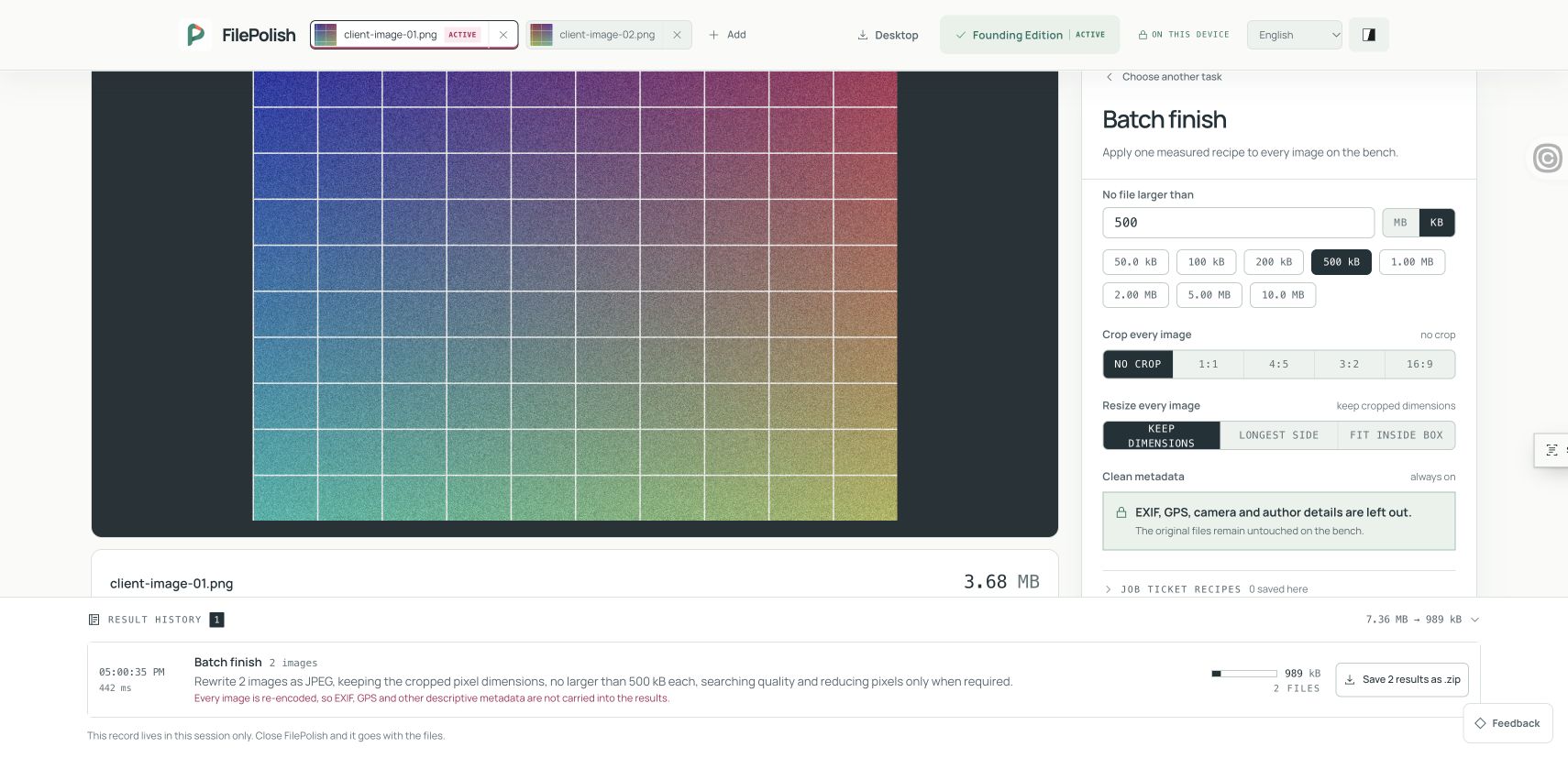
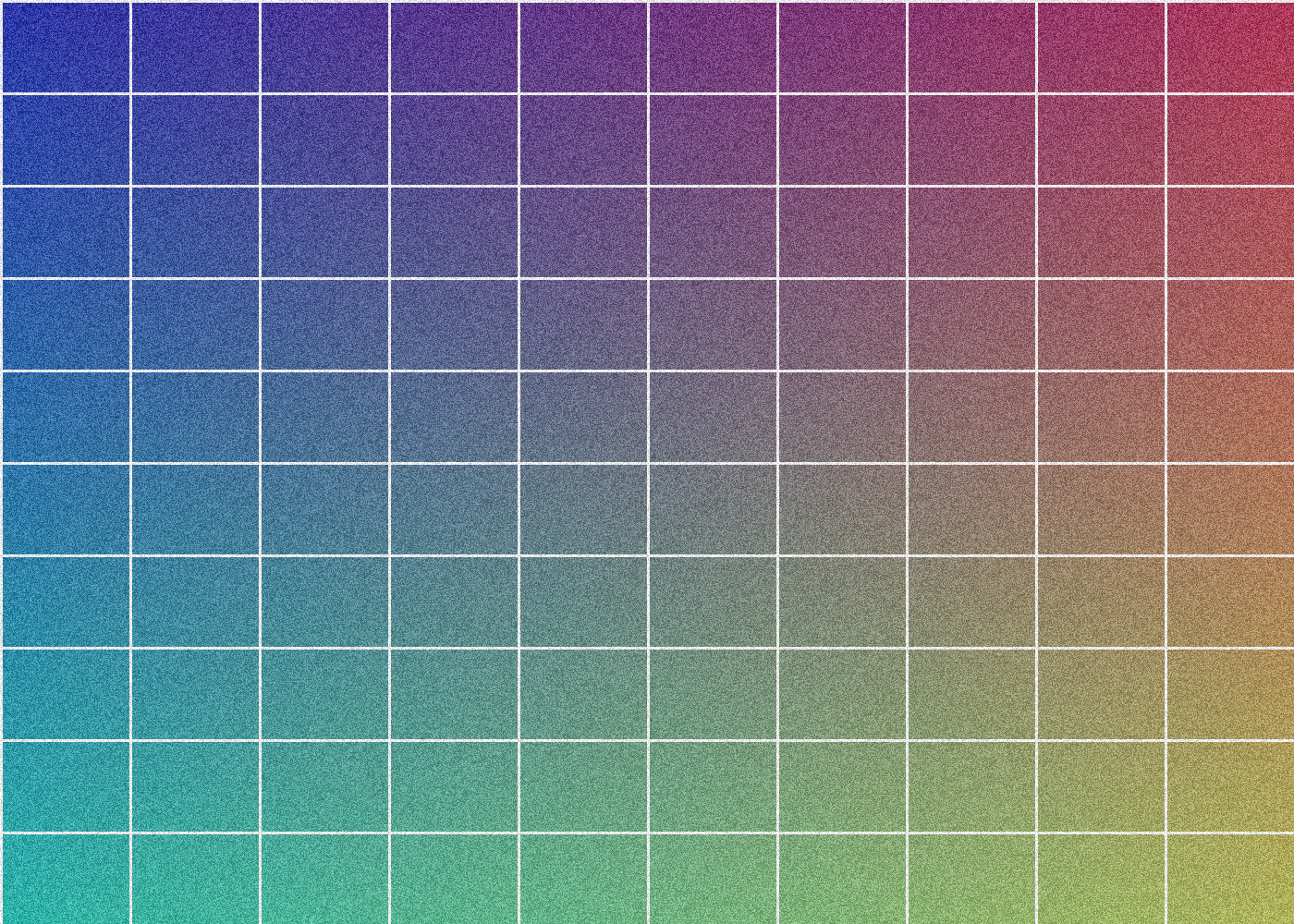
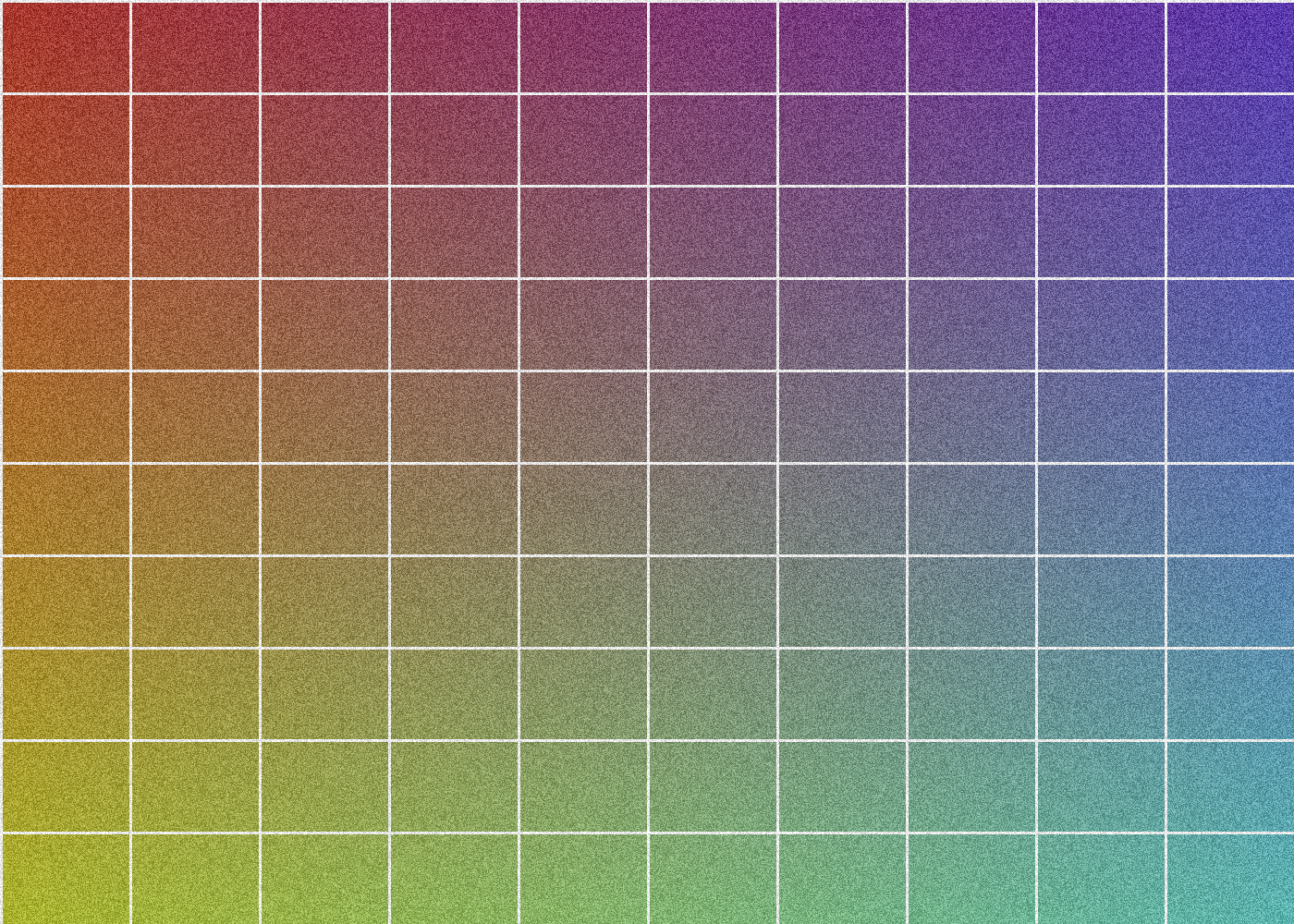
In an agent-run browser example on 7 November 2026, two synthetic PNGs were written as JPEGs with a 500,000-byte ceiling for each file. Both outputs passed: 494,868 bytes and 494,366 bytes. Both stayed 1,400 × 1,000 pixels. The saved ZIP contained the two finished JPEGs. This was a two-image example using lossy JPEG compression, not a 500-image native test; results vary.

Originals
Two PNGs · 7,360,461 bytes combined
Saved JPEGs
494,868 bytes + 494,366 bytes · both passed
Each ceiling
500,000 bytes · 1,400 × 1,000 px retained
Saved ZIP
989,532 bytes · two JPEG entries verified

Actual FilePolish batch result showing two synthetic PNGs converted to JPEGs, each under a 500 kB ceiling, with both 1,400 by 1,000 pixel dimensions retained.
Actual interface capture from 7 November 2026. Fictional files, two-image browser job; not a customer outcome or proof of every native batch size.

For repeat client work

An ecommerce catalogue, a photography handoff or a folder of application images can need the same settings again and again. Batch finish applies one explicit recipe across the set, rather than asking you to configure every image separately.

A measured size for each finished file

A JPEG quality percentage is not a file-size promise. When you use a byte ceiling, FilePolish measures the encoded outputs and shows what happened for each file. A difficult image can need different quality or dimensions from an easy one. Review detail as well as the size.

Keep the next delivery consistent

Saved image recipes retain settings on your device. They do not store source files or watch folders automatically. Supported batch options also include visible labels or picture stamps and a solid cover area; choose them only when they suit the whole set.

Know which batch you are opening

The 500-image allowance applies to an eligible image-only queue using native paths and active desktop Founding access. The web, mixed-file and pathless boundaries remain 50 files. Combining pictures into one PDF is a separate job, limited to 50 images; it is not a 500-page PDF promise.

Before you start

Can I use the same recipe in the browser?

Founding batch image tools are available on the website within the browser’s existing file and memory limits. The 500-image native-path allowance belongs to the desktop workflow. Try the free single-image tool before choosing a repeated-work setup.

Does smaller mean lossless?

No. Re-encoding to JPEG, WebP or AVIF can lose detail, resizing removes pixels and conversion can change metadata or transparency. Keep the original and inspect the finished copy.

Do I need a subscription?

The current Founding offer is $19 once for the first 250 members. The offer and desktop beta details are separate: review the platform fit and installation notes before buying for a particular task.

Make the next delivery easier.

Founding Edition is $19 once for the first 250 members. Review the desktop requirements and keep your originals while you work.